 Anir Suren
If you're an agent, you already know listing video sells. It pulls more views, more saves, and it tells a seller you'll actually market their home instead of sticking it on the MLS and hoping. The problem is video is slow and expensive: a videographer, a shoot day, an editor, a few hundred dollars, and a week of waiting. This does the same job from the photos you already have, in a few minutes. You point Claude at your listing, it grabs every photo, turns them into moving clips, and stitches the whole thing into a cinematic property tour you can post today. Here's the full setup and the exact prompt.
The setup, about 30 seconds
This runs through the Arcads skill inside Claude Code.
- Search Arcads Claude Code and open the first result, the GitHub repo: github.com/krusemediallc/arcads-claude-code. Copy the URL.
- Open Claude, click Code in the top left, paste the URL, and tell Claude to install it. It pulls the repo and runs the setup for you.
- An Arcads account for the rendering, the engine that actually builds the video. Arcads is a paid tool, so check their current plans before you start.
How to use it
Grab your Zillow listing URL. The prompt is built to read Zillow's page layout, so use a Zillow link. Paste it at the top of the prompt below where it says, then send the whole thing. Works on an active listing, a coming-soon, or one you just closed and want a highlight reel of.
The exact prompt
Paste your Zillow URL at the top where it says, then send all of it. Yes, it's long and technical. That's exactly why it pulls the real photos and the real details instead of guessing.
LISTING: [paste your Zillow listing URL here]
Turn the Zillow listing above into a cinematic real-estate showcase video. Use the arcads-claude-code skill (the Arcads external API) plus ffmpeg and Python PIL. Run all four steps autonomously and deliver the finished video. Print the room inventory and the shot list as you go.
STEP 1: Pull the listing
- WebFetch the Zillow page. curl it with a desktop browser user agent, then parse the <script id="__NEXT_DATA__"> JSON and its gdpClientCache. Extract the address, beds, and baths (read these from resoFacts, not the rounded "bathrooms" / "bedrooms" fields, which are often wrong), plus living area, lot size, year built, and the responsivePhotos array (grab the highest-resolution jpeg for each photo). Do not regex the whole page for image URLs, that pulls in junk.
- Download every photo to references/<address>/ at up to 1024px. Classify each one into a room and print a numbered room inventory. If the pull fails for any reason, STOP and report exactly what you did and didn't get instead of guessing.
STEP 2: Shot list
- Build one ~5 second clip per key room, using the ACTUAL listing photo as the reference frame (Seedance model "seedance-1.0", reference image = that photo). Assign a camera move to each: exterior = slow push-in toward the entry (PICK A PHOTO THAT SHOWS THE REAL FACADE, not an aerial or a stock-looking shot, or it will invent a front door); living room = low, slow dolly in; kitchen = smooth lateral slide; bedrooms = gentle push-in; bathrooms = slow tilt up; backyard = slow pull-back to reveal the space. Keep every move subtle and every shot 100% true to its photo. Print the shot list (room, photo, move) before you render.
STEP 3: Render the clips
- Generate each shot with the Arcads skill from its reference photo and assigned move. Vertical 9:16, about 5 seconds each, highest quality. Never invent rooms, furniture, or text that isn't in the photo. If a clip drifts off the real room, re-render it once with a tighter move.
STEP 4: Assemble and deliver
- With ffmpeg, stitch the clips in tour order (exterior, living, kitchen, primary bedroom, other bedrooms, bathrooms, backyard) with smooth crossfades. Add a clean lower-third text overlay for the facts you pulled in Step 1: price, beds, baths, square footage, and address, spelled exactly as on the listing. Add upbeat, licensed background music. Export one polished 30 to 45 second vertical MP4, ready to post, then print the final shot list, the on-screen facts used, and the output file path.
Claude pulls the real photos straight from your listing, animates each one using that exact photo as the reference frame, then stitches them into one polished tour with your price, beds, baths, square footage, and address on screen. Real photos in, one finished video out.
Here's it running on a real listing
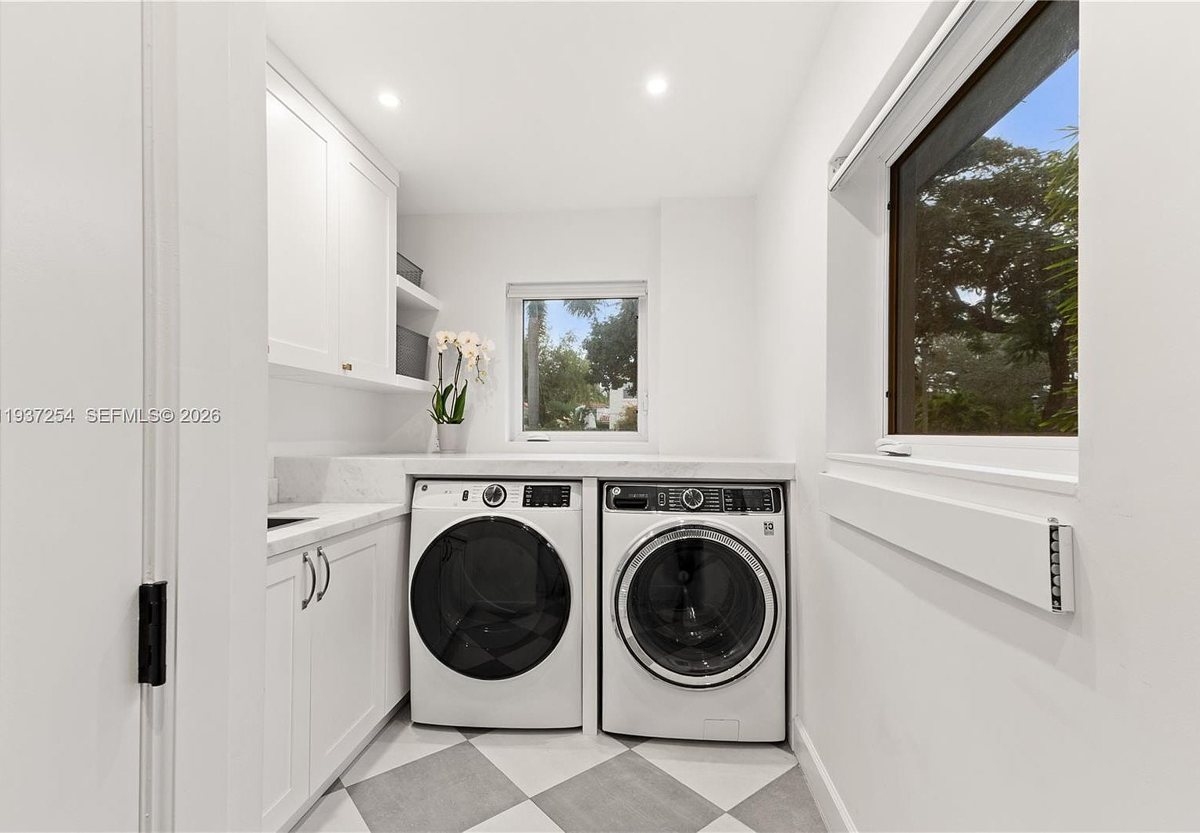
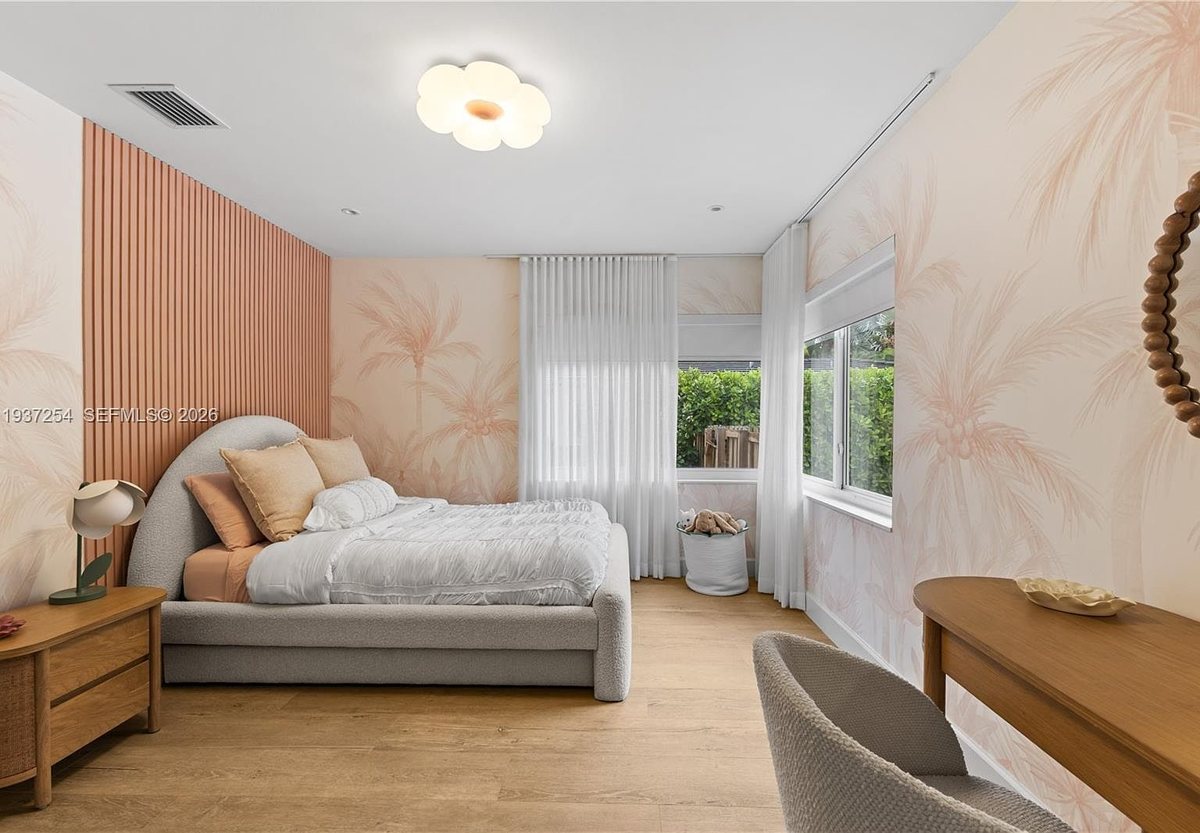
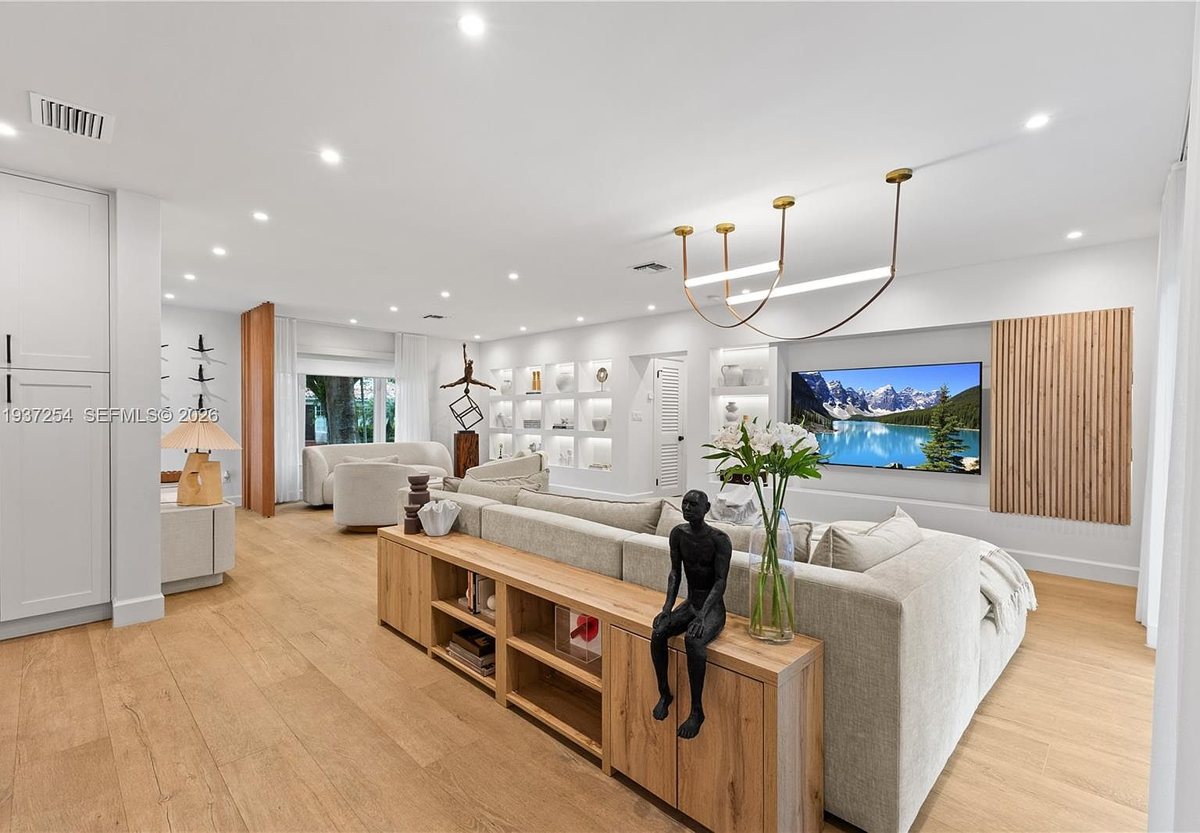
I pointed the exact prompt above at a real Miami listing, 800 NE 72nd St. Everything below is from that one run: the real house, the real photos it pulled, and the real video it built. No stock, no manual editing.
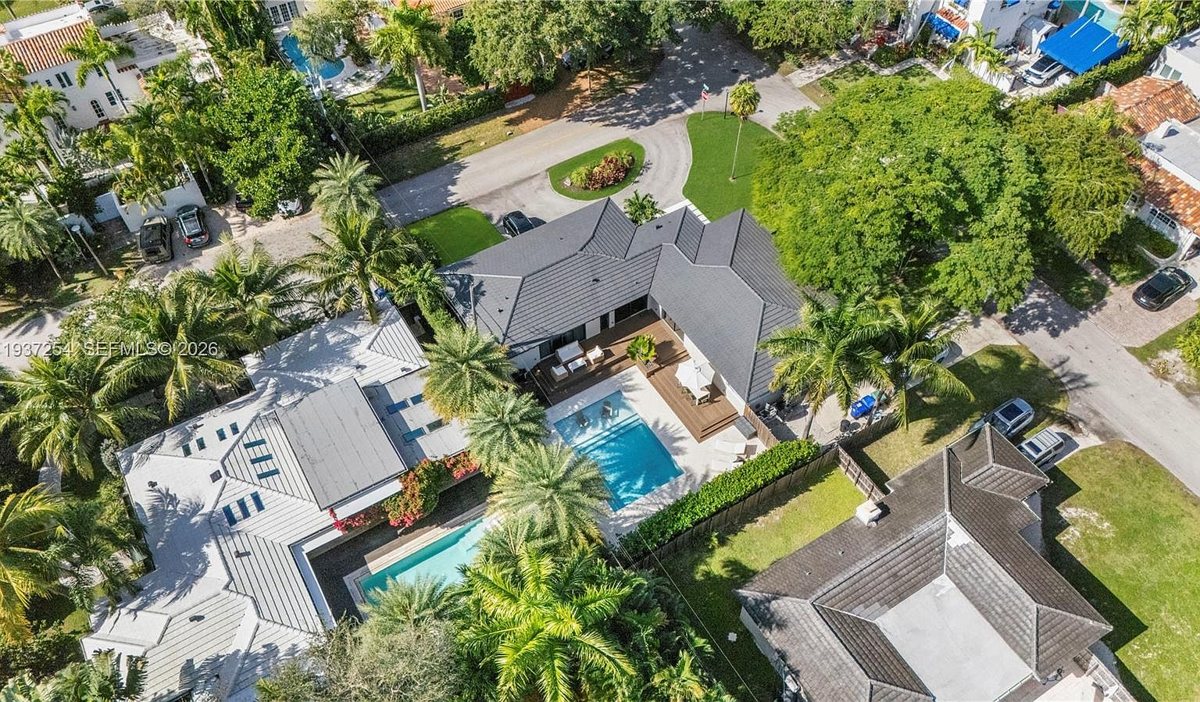
The actual listing, pulled straight from Zillow.
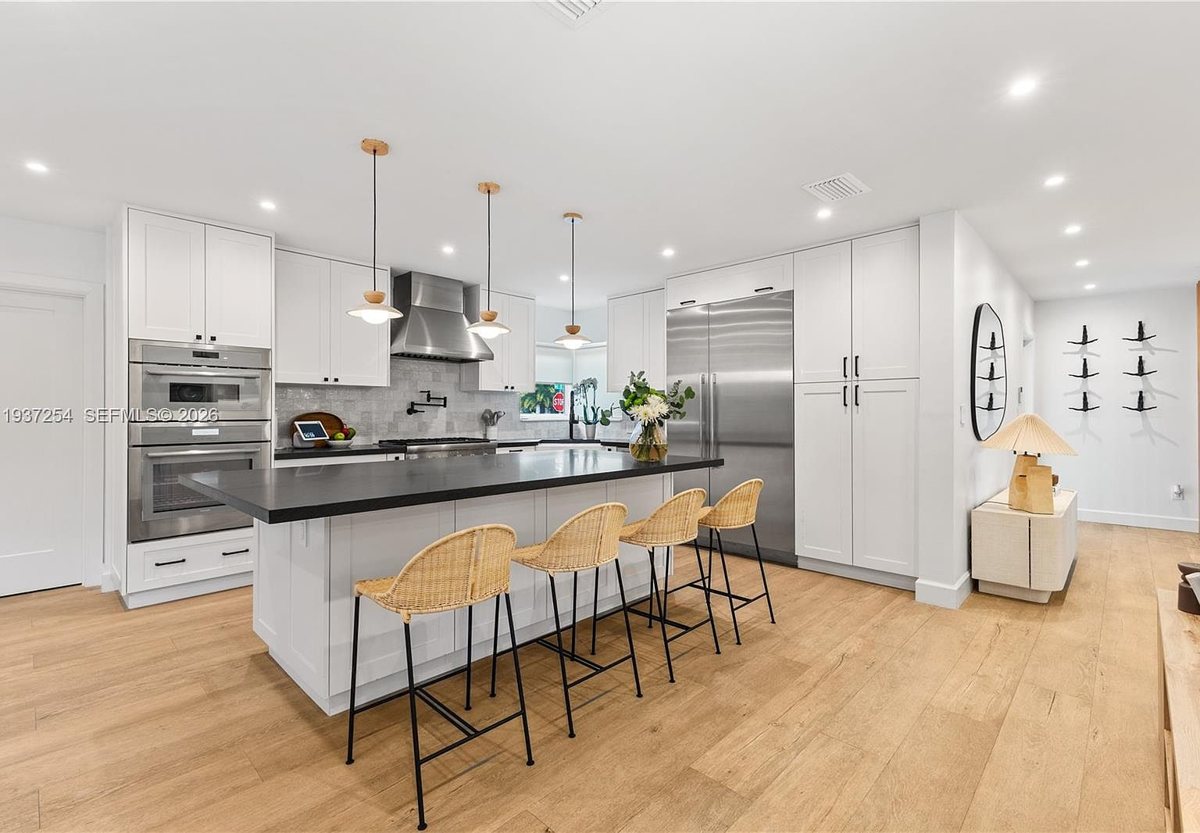
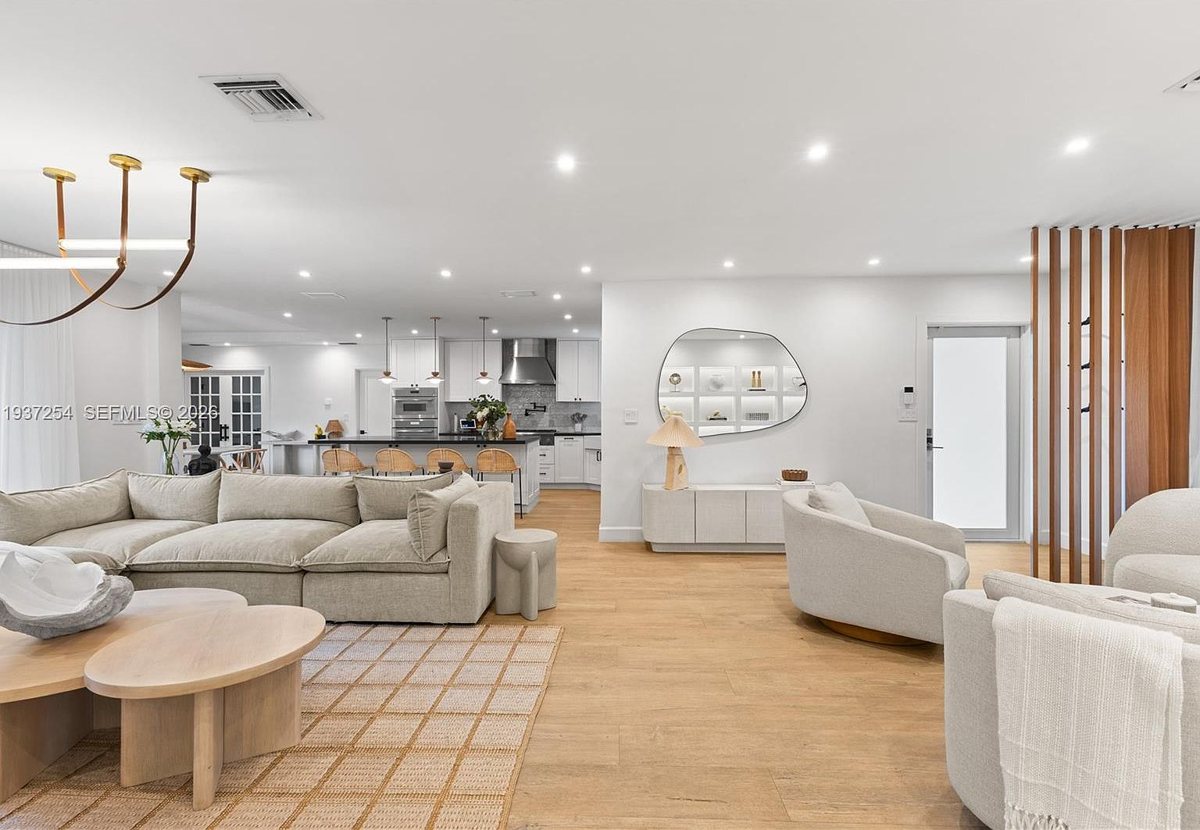
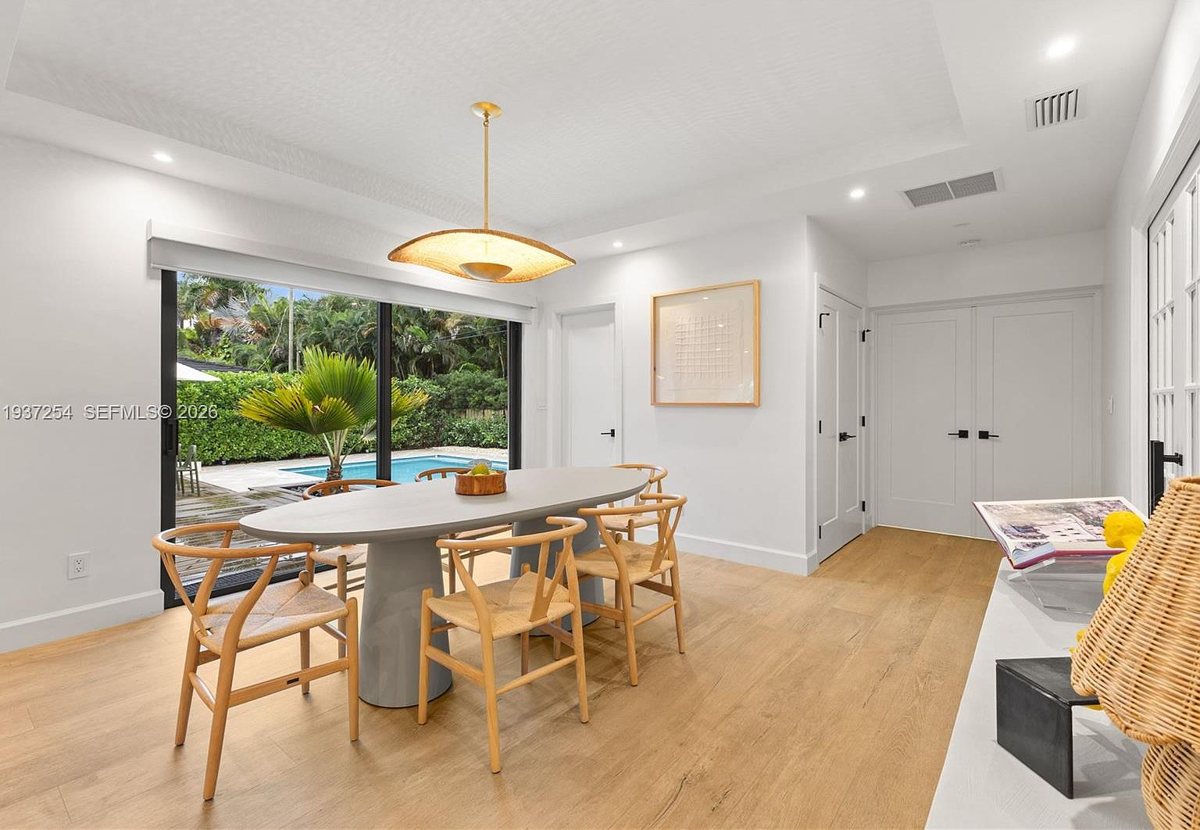
1. It pulls every photo off the listing
It reads the Zillow page, downloads the full photo set, and sorts every shot by room. Here's a slice of what it grabbed from this one:
2. It turns them into the video
Each clip is animated from one of those exact photos, with subtle cinematic motion and the key details on screen. Here's the finished tour it produced, start to finish:
One listing link in, that video out, in a few minutes. That's the whole thing.
Where to actually use it
- Post it the day you list. Reels, TikTok, YouTube Shorts, your story. Vertical video is what the algorithms push and what buyers actually stop to watch.
- Win the listing with it. Walk into the listing appointment with a sample tour of a comparable home. Sellers hire the agent who markets hardest, and this proves you do.
- Do one for every listing. It takes minutes, so there's no reason a single property goes up without a video again.
- Reuse the clips. Pull the exterior shot for a paid ad, a kitchen clip for an email blast, a backyard clip for a story. One render gives you a whole content set.
One thing to keep clean
Use it on listings you represent. Those photos are yours to market with, so you're in the clear. The one rule: keep the details on screen accurate to the home, exactly like you would on the MLS. Don't let the video claim a square footage, a price, or a feature the house doesn't have. Cinematic and accurate, never cinematic instead of accurate.
Buyers decide in the first few seconds whether they want to see a home. A photo gallery asks them to imagine the place. A tour video shows it to them. That's the whole edge, and now it costs you minutes instead of a shoot day.
Run it on your newest listing tonight. The first time you post a tour and watch the saves roll in, you'll never put a listing up without one.
– Anir
If this is the kind of AI thinking you want working on your own business, apply to work with me. And to catch the next breakdown, join the newsletter.